How to Create AI Drawings in Different Artistic Styles
27 de agosto de 2026
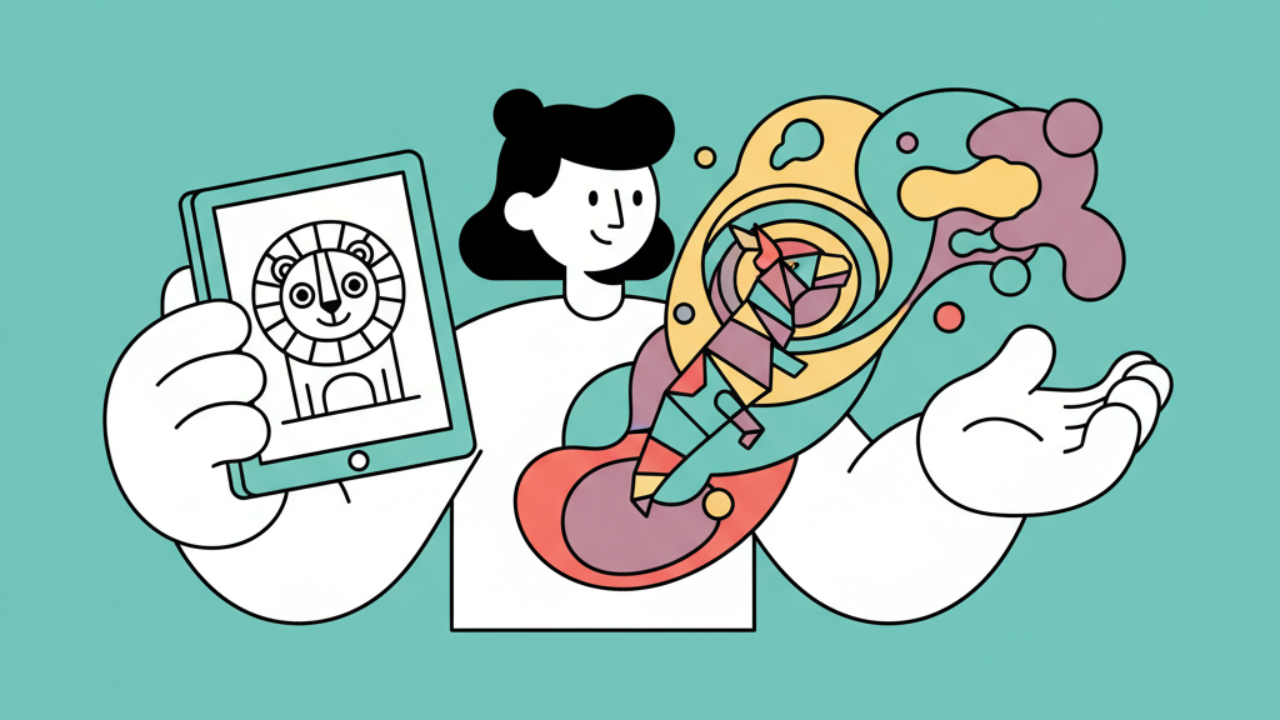
Discover how to create unique coloring pages using AI. Explore line art styles and turn your creativity into beautiful pages to print and color. 🎨
The AI Revolution in Creating Coloring Pages
Artificial intelligence technology has brought a new dimension to the world of visual arts, allowing anyone, regardless of their technical skill, to generate personalized coloring pages. At Desenhando e Colorindo (Drawing and Coloring), we believe this tool is a perfect complement to human creativity, enabling the exploration of aesthetics that previously required years of practice in manual drawing.
By using AI to create free printable drawings, the user takes on the role of an art director. You define the parameters, choose the style, and adjust the details until you get the perfect line art for your activity. This is especially useful in August, when school routines call for new visual stimuli and dynamic educational activities as the end of the Brazilian winter approaches.
Understanding how algorithms interpret artistic style commands is the first step to mastering the creation of cute or complex drawings. Each style requires specific vocabulary for the machine to deliver clean lines, ready for colored pencils or crayons.
Minimalist and Kawaii Style: Focusing on Cuteness
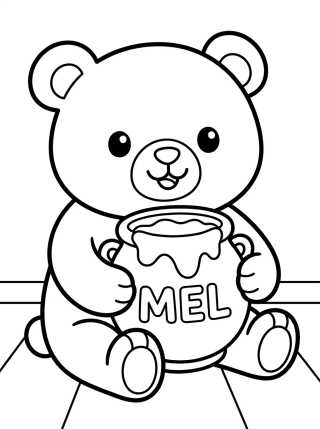
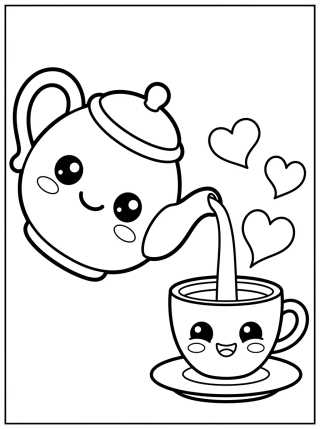
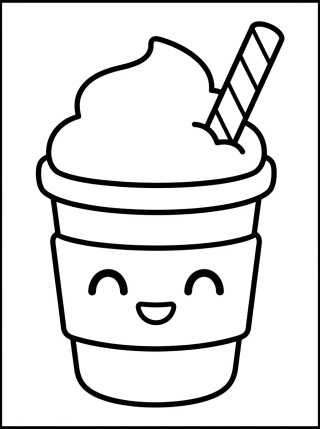
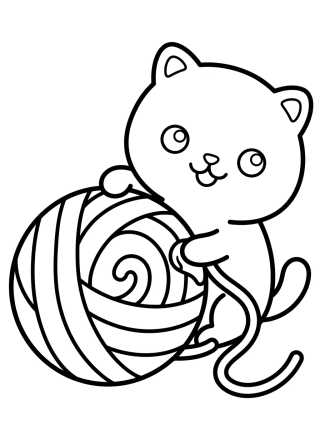
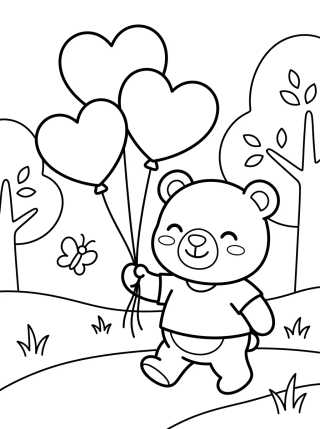
The Kawaii style is a favorite among children looking for cute drawings. It is characterized by rounded shapes, large eyes, and few internal details, which makes filling in very easy for little ones who are still developing fine motor skills.
To generate this type of image, the focus should be on the simplicity of the lines. When creating your own coloring activity page, ask for “thick black outlines” and “minimalist style.” This ensures that the final result is clear and inviting children's line art, without excessive shadows that might confuse a beginner artist.
This style is ideal for creating characters such as anthropomorphic animals, smiling fruits, and everyday objects with expressive faces. The ease of printing these artworks directly from our site makes the experience practical and immediate for parents and teachers.
How to Refine Kawaii Style
To get the best results in low-difficulty educational drawings, try adding terms like “clean line art” and “vector style” to your AI prompt. This removes unwanted textures and leaves the drawing ready for a digital coloring book or physical one.
Mandala and Zentangle Style: Complexity for Adults
For adults and teenagers seeking relaxation through coloring for older kids, mandala and zentangle styles are exceptional choices. They use repetitive geometric patterns and organic forms that require greater concentration and precision.
When configuring AI for these drawings, you can explore themes like nature, the cosmos, or abstract forms. Artificial intelligence can generate mathematically perfect patterns that would be exhausting to draw by hand, providing hours of therapeutic entertainment.
Practical tip: When printing complex drawings like mandalas, opt for heavier paper (above 90gsm) to prevent markers or felt-tip pens from bleeding through.
Realistic Line Art: Capturing Nature's Details
If the goal is to create printable art that teaches about botany or zoology, the realistic style adapted for outlines is the most suitable. Unlike cute drawings, here anatomical precision is what matters, transforming the act of coloring into a practical observation lesson.
Asking the AI to create a “black and white botanical illustration” yields sophisticated results, with delicate cross-hatching that indicates shadow and texture. These coloring pages are great for the month of August, serving as preparation for the arrival of spring, allowing students to learn about flower structures before they bloom in the garden.
Advantages of Using AI to Create Your Own Drawings
Versatility is the biggest benefit. You're not limited to what's already in stock. If a child asks for an “elephant skateboarding in space,” you can create that scene in seconds. Check out the main benefits:
- Total Personalization: Create exactly what the lesson theme or play activity requires.
- Variety of Difficulty: Adjust the level of detail according to the age of the person coloring.
- Stimulates Curiosity: Children can participate in the creative process, describing what they want to see on paper.
- Free Access: At Desenhando e Colorindo, we facilitate access to this technology so the fun never stops.
Retro Cartoon Style: Nostalgia and Fun
The 1930s animation style, known as “Rubber Hose,” is a growing trend in coloring sheets. With limbs that resemble rubber hoses and pie eyes, these drawings have a nostalgic charm that appeals to both adults and children.
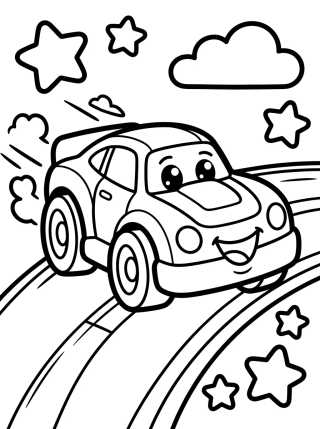
To generate drawings in this style with AI, use terms like “1930s animation style,” “thick outlines,” and “vintage cartoon.” A striking feature of this style is high contrast, which makes the activity of coloring online or on paper very vibrant and dynamic.
How to Choose the Best Paper for Different Styles
Choosing the physical medium is as important as the drawing style. Depending on the coloring technique you plan to use, the paper can completely change the experience:
- Common Printer Paper (75gsm): Excellent for simple drawings, colored pencils, and quick school use.
- Canson or Coated Matte Paper: Ideal for those using watercolors or alcohol-based markers for realistic drawings.
- Grayscale Printing: If the AI-generated drawing has many shadows, use the economic mode to create a soft depth effect.
Integrating AI into School and Home Routines
Teachers can use AI-generated drawings to create specific teaching materials for dates or interdisciplinary projects. If the class is studying the solar system, AI can generate simplified star maps for coloring.
At home, parents can use the tool to create themed coloring books based on their children's current interests, such as specific dinosaurs or professions. This maintains engagement with manual arts, creatively pulling children away from screens.
Frequently Asked Questions
How do I prevent the drawing from having a gray background in AI?
To ensure your page is easy to print and saves ink, always add the command “pure white background” and “black and white only” to your creation prompt.
Can I color AI-generated drawings on the computer?
Yes! You can download the image and use editing software or digital painting apps to practice online coloring. The quality of the generated line art allows for clean filling with the paint bucket tool.
What's the best style for young children?
We recommend the “Bold Line Art” or “Kawaii” style. Drawings with very thick outlines help children stay within the lines, making the coloring for kids experience less frustrating and more educational.
Is it possible to turn a photo into a coloring page?
Yes, many AI tools integrated into Desenhando e Colorindo allow you to upload an image and apply outline filters, transforming family photos or pet pictures into printable art for coloring.
Transform Your Creativity into Art on Paper
Exploring different artistic styles through artificial intelligence opens a door to endless possibilities for fun and learning. Whether you're a minimalism enthusiast or a fan of complex patterns, technology is here to serve as your creative assistant. We invite you to explore all the tools available at Desenhando e Colorindo, choose your favorite style, and start printing your creations for free right now. Grab your pencils, unleash your imagination, and turn every blank sheet into a unique work of art!
Escrito e revisado por Armando Amaro
Fundador do Desenhando e Colorindo. Todo artigo passa por curadoria e revisão humana antes de ser publicado.